How to Copy Recovery Points
This section provides information about how to copy recovery points.
Follow these steps:
- Do one of the following:
- Navigate to Protect > Sources, and then click the Action drop-down list of a source for which a Policy is configured with the Copy to Other Data Store task.
- Note: The Copy Recovery Points option is available only when you configure a policy with the Copy to Other Data Store task.
- Navigate to Protect > Policy, and then click the Action drop-down list of a policy configured with the Copy to Other Data Store task.
- Select Copy Recovery Points.
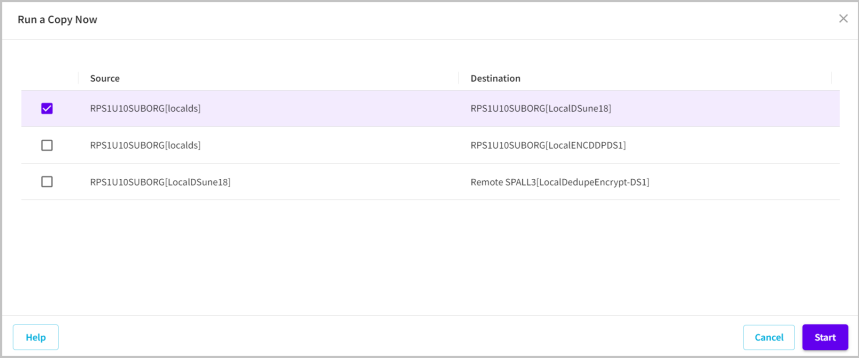
- The Run a Copy Now dialog appears.
- On the Run a Copy Now dialog, select a recovery point that you want to copy, and then click Start.
The recovery point is copied successfully.