Creating or Getting a Root Access Key
You can create or get a root access key in your Arcserve Cloud Cyber Resilient Storage (ACCRS) sub-account in the Arcserve Cloud Storage portal.
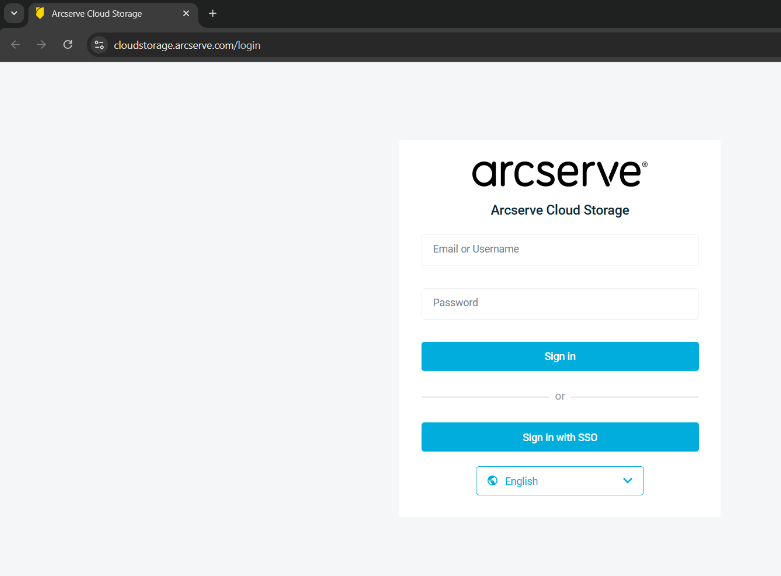
- Log into Arcserve Cloud Storage portal with your sub-account credentials.
-
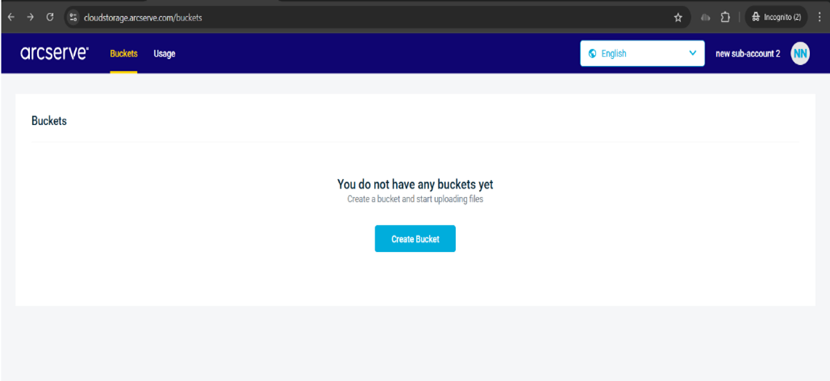
- This displays the ACCRS Buckets page in the portal.
- Click the user identity circle (circle in the top right corner of the screen with user initials).
-
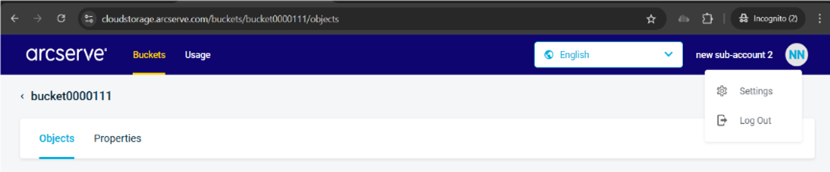
- This displays the Settings and Log Out options.
- Click Settings.
-
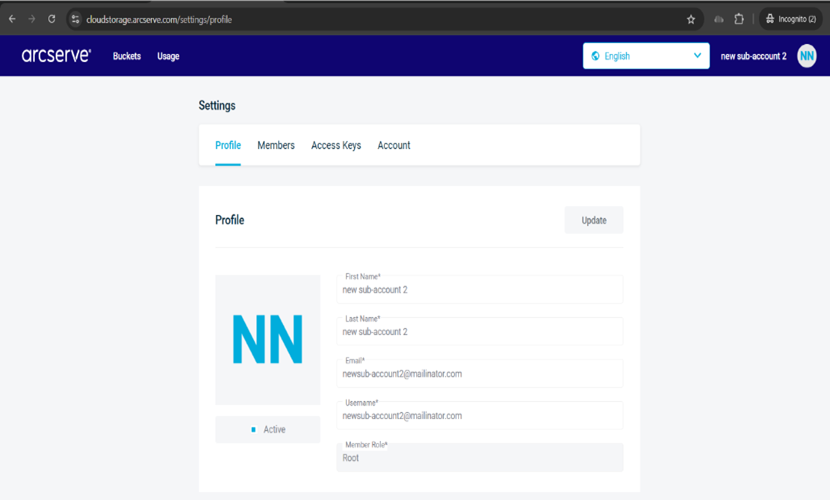
- This displays the Settings options page with four tabs: Profile, Members, Access Keys, and Account.
- Click the Access Keys tab.
-
- This displays the Access Keys options.
- Click the Manage Access Keys drop down arrow to expand the options list.
-
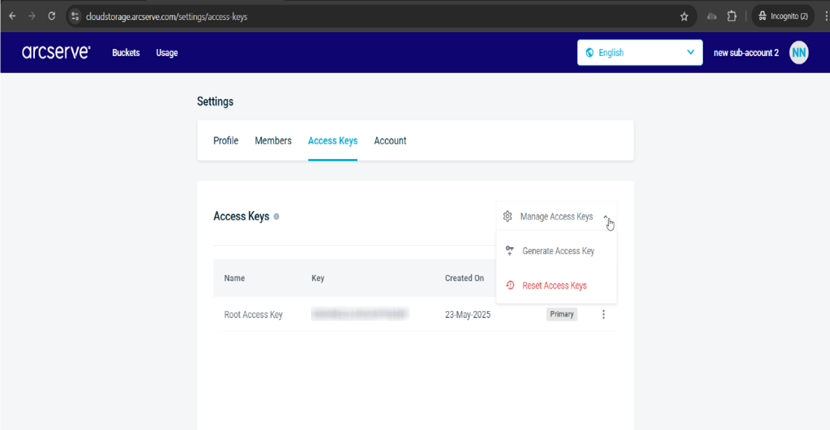
- Click Generate Access Key.
- Note: Each sub-account is limited to 2 Root Access Keys.
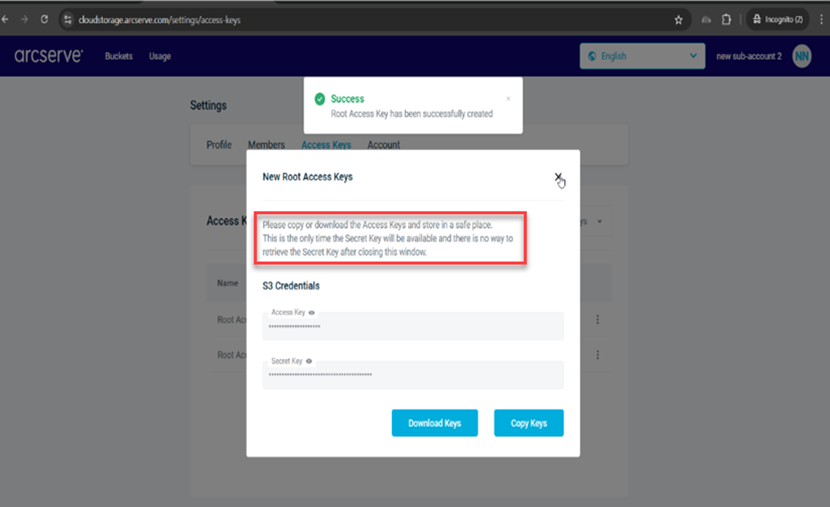
- The Access Key details are shown in the New Root Access Keys window.
-
- After closing the window, the new key is displayed in the Access Keys table.
-
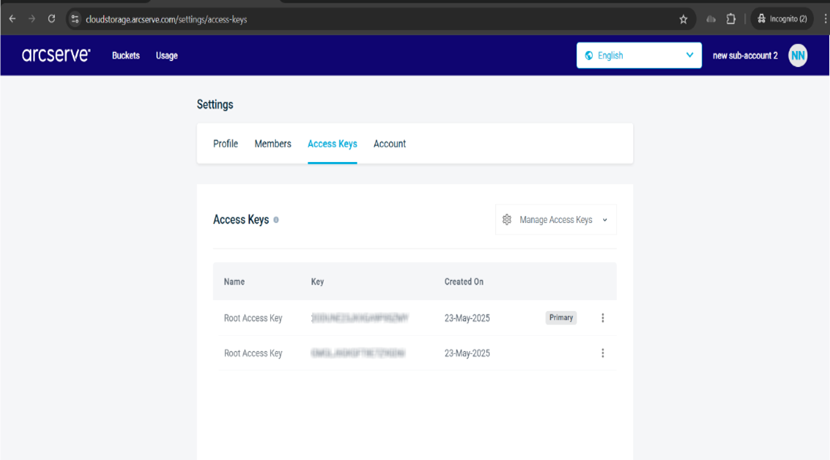
Important: The Access Keys tab displays the Root Access key (Primary Key) created by Arcserve. You need to Reset Access Keys (revoke the access key created by Arcserve) and reset it to one that is exclusive for you.
Important: You need to copy or download the Access Keys and store them in a safe place. This is the only time the Secret Key will be available and there is no way to retrieve it after closing this Window. Also do not embed your Access Keys in web pages or other publicly accessible source code and do not transmit them over insecure channels.