Managed Folder Pane
The managed folder pane (center) displays information about the connected ImageManager agent. Select a managed folder in the list to begin adjusting management settings.
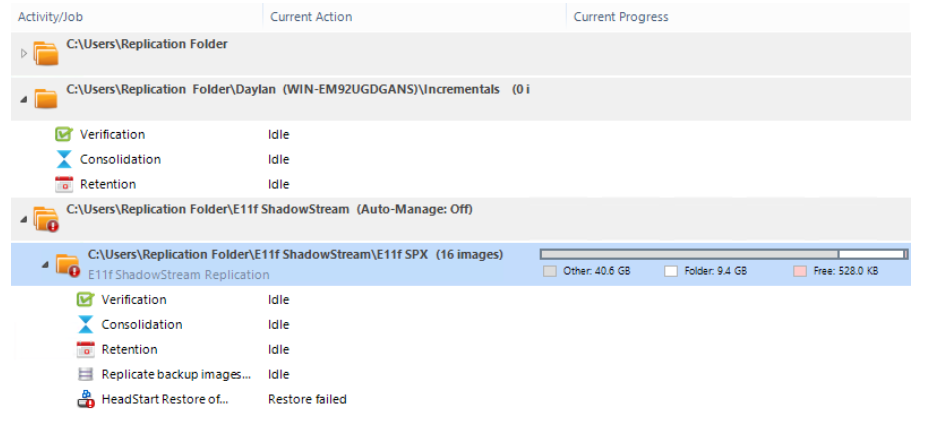
The managed folder pane provides the following information about each managed folder:
|
Link |
Description |
| Folder Nodes | Spans all columns. Lists the managed folder or Backup Store, its path, Auto-Manage status (if Off), and the number of backup image files in each expanded subfolder. |
| Activity/Job |
Lists the name of a built-in activity (Verification, Consolidation, Retention) or the name of a user-defined activity, or job (iFTP, ShadowStream, HSR). Note: Starting with ImageManager 7.9, Cloud Services is no longer a replication target due to Cloud Services End of Life. |
| Current Action | Describes the activity currently being performed on the folder. |
| Current Progress | Displays the progress of activities being performed. |