Update User Detail for License Activation
You can update the email ID provided during activation.
Follow these Steps:
- Log into the Console.
- Click Help and select Activation and Licensing.
- The Activation and Licensing dialog opens displaying the current email address.
-
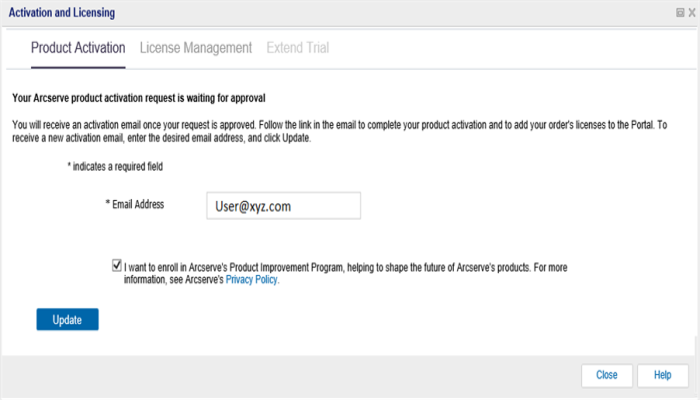
- Modify the email address and click Update.
- A pop-up message displays the confirmation of your updated information.
-
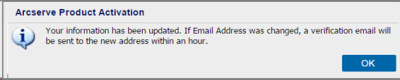
- Click OK
- You can verify the updates in the Arcserve Product Activation dialog.