How do I turn Snapshots On and Off?
Through OneSystem, snapshots may be enabled or disabled on existing and new shares and exports. After navigating to the correct share/export in OneSystem, select ‘actions’ and then ‘edit’.
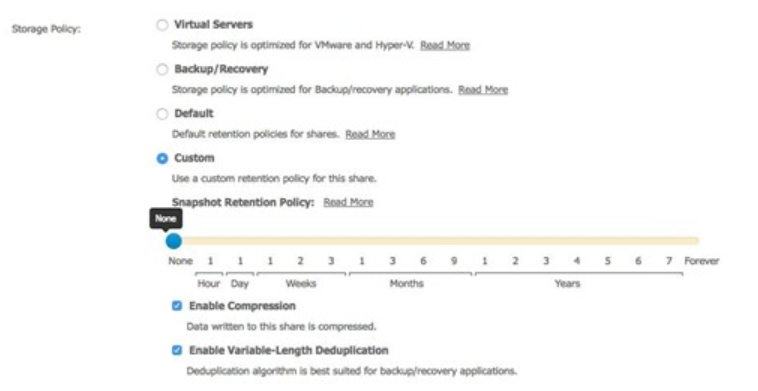
Caution: For any existing shares or exports when snapshots are turned off, any existing snapshots for that share will be deleted. This operation cannot be undone. Snapshots may be turned on again, but the recovery point will begin at the point snapshots are turned on.