Task Details
Note: This tab only appears after clicking Show Details of a task in the Task Manager tab.
The Task Details tab shows status information about a currently running or completed task. (These tasks include a volume backup, volume restore, or verify image.) You can control the display of these tasks by clicking Show Details / Hide Details in the Task Manager tab. For example:
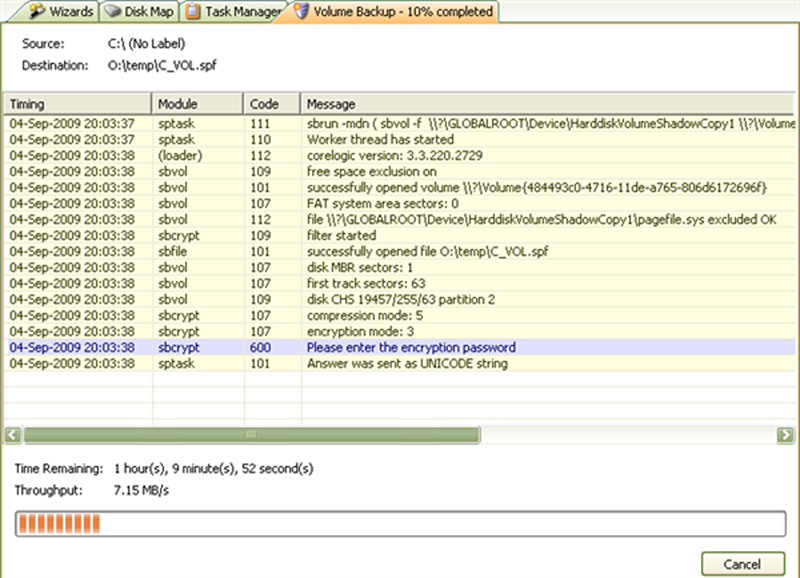
Recovery Environment displays a new tab for each selected task when you click Show Details.