EndPoint Bulk Actions
ShadowControl allows you to perform the same action on multiple endpoint machines.
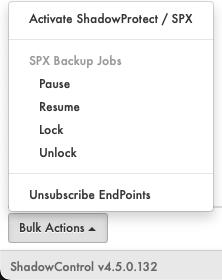
Bulk Action Options:
- Activate SPX
- Backup Jobs
- Pause
- Resume
- Lock
- Unlock
- Unsubscribe EndPoints
To Perform a Bulk Action:
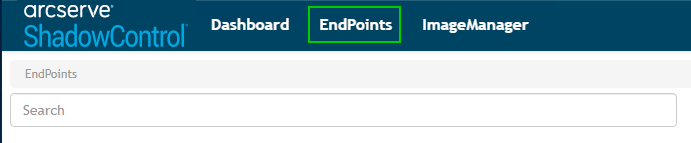
- Click EndPoints to go to the EndPoints page.
-
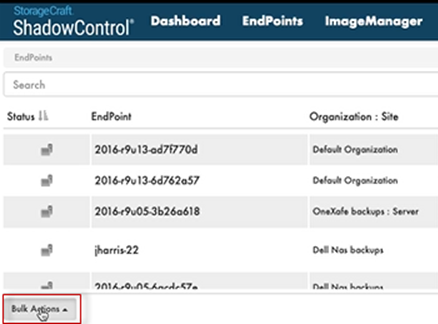
- Click Bulk Actions.
-
- Select the Bulk Action option you want (Pause, Resume, etc.).
-
- Check the boxes for the endpoint machines on which you want to perform the bulk action.
-
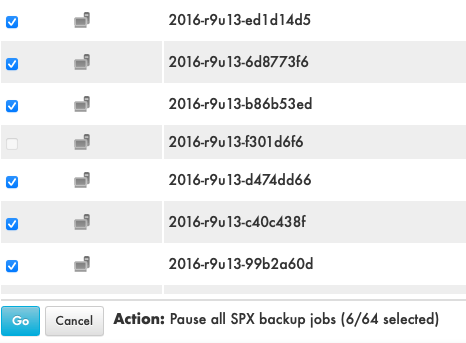
- Click Go
ShadowControl will now perform the bulk action on the machines you selected.