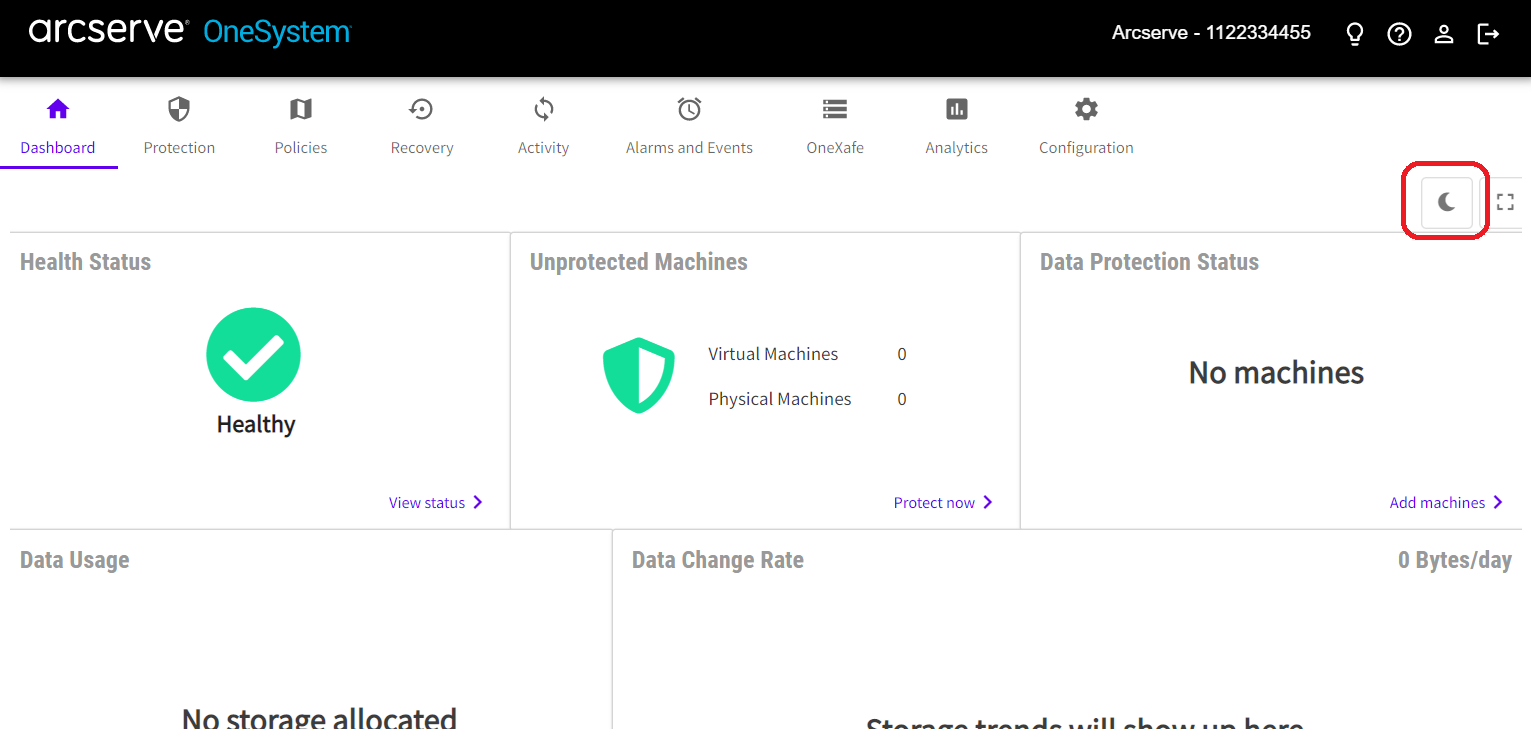
Dashboard Light Mode
Light mode is the default interface setting. To change to Dark (NOC) mode, click the moon shaped icon.
The Dashboard includes System Health status, the number of unprotected machines, the protection SLA, how much storage is allocated, the Data change rate on the amount of storage being used, and Throughput.