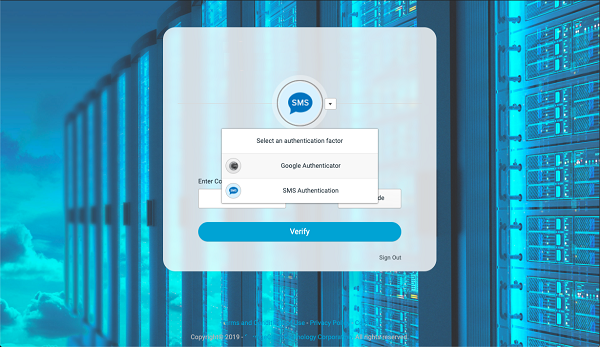
To Change or Add MFA Authentication Options
Follow these steps:
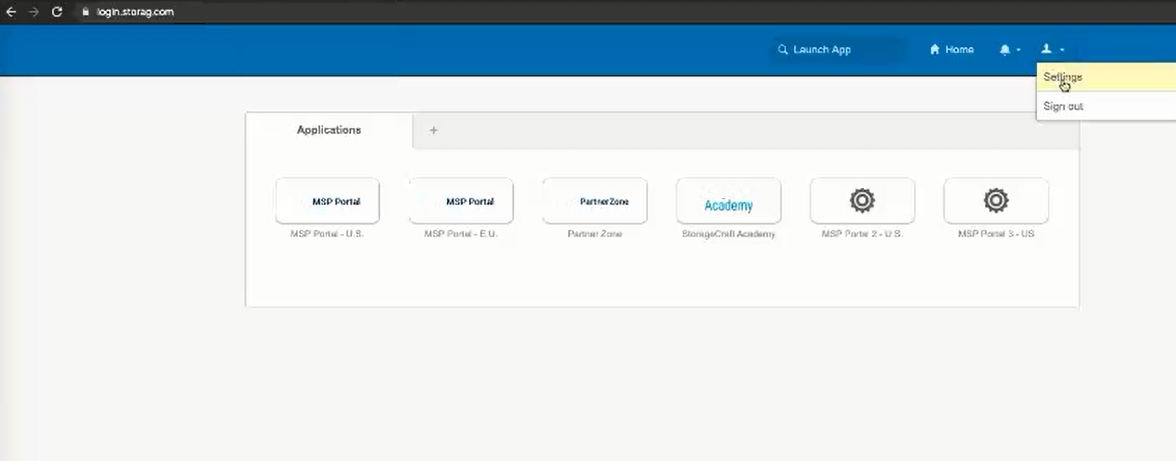
- Go to login.Arcserve.com and click Settings in the dropdown. This is found in the upper right hand part of the page.
-
- On the Settings page, locate the Extra Verification section.
-
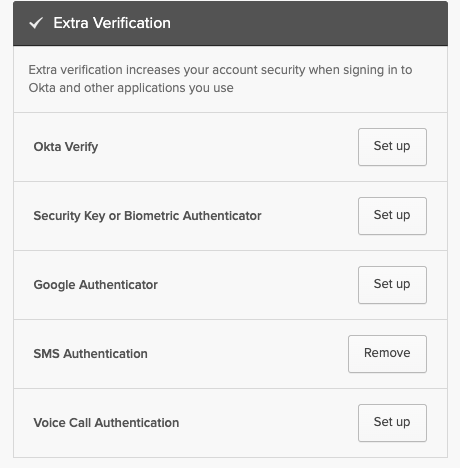
- Select the authentication verification method you want to set up and complete the steps as prompted. The process is similar to setting up SMS as described in the previous section.
- If you configure more than one authentication method, you can choose which one you want to use when verification is required.
-