SMS Setup Example
To configure SMS:
- On the Set up multifactor authentication screen, click SMS Authentication.
-
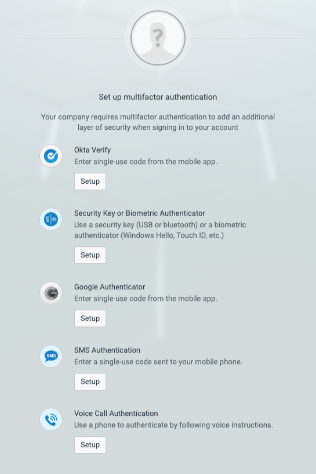
- This displays the SMS Receive a code screen.
- Enter your phone number and click Send Code.
-
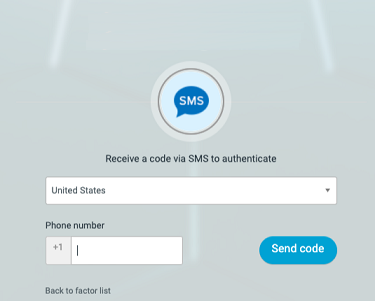
- This sends a code to your phone, adds your phone number to the database for future verification, and displays the code verification screen.
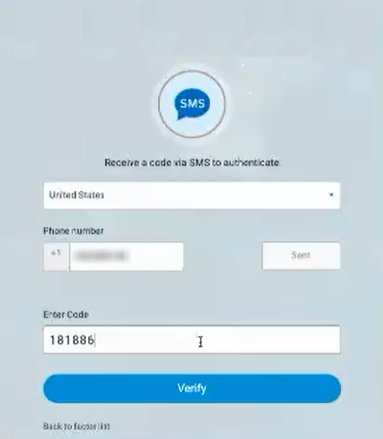
- Enter the code from your phone into the code verification screen, and then Click Verify.
-
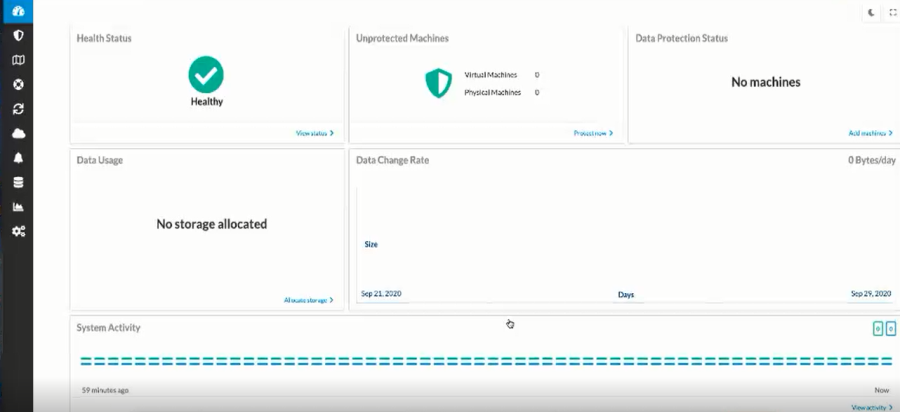
- This logs you in and takes you to the OneSystem Dashboard.
- In the OneSystem Dashboard you can setup protection and manage policies for your environment using the OneSystem user interface.
-