Apply Arcserve UDP Factory Reset Using Boot Option in 9012-9504DR Series Appliance
You can apply UDP factory reset from the Boot Menu of the Arcserve Appliance 9012-9504DR series. Using UDP factory reset, you can return your Arcserve Appliance 9012-9504DR series to clean and non-configured status.
Note: You can also select the Preserve the backup data option while running UDP factory reset.
Follow these steps:
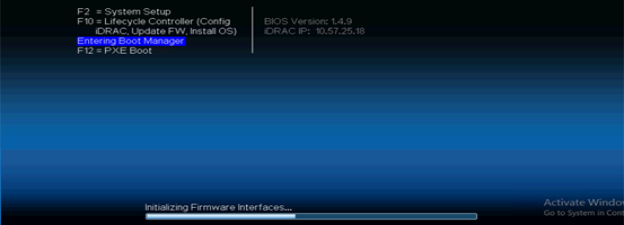
- Press F11 on the keyboard to invoke Boot Menu.
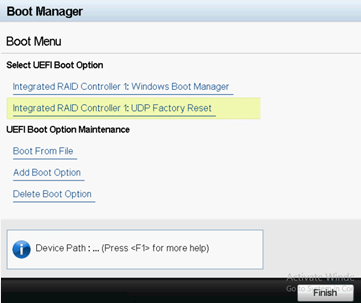
- Select the boot option Integrated RAID Controller 1: UDP Factory Reset.
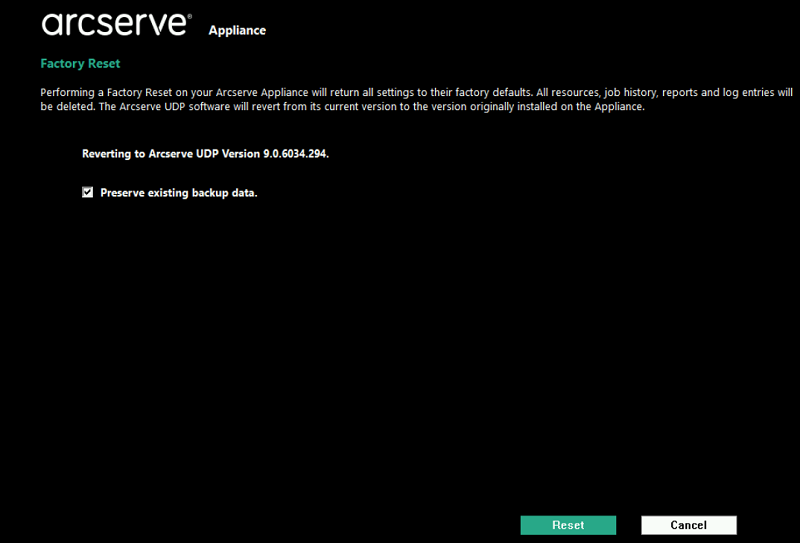
- The Preserve existing backup data option is selected by default. Only C:\ volume in the original operating system is rebuilt. Data at X:\ volume and Y:\ volume remain unchanged.
- If you clear the selection of the Preserve existing backup data option, all the data on the respective volumes of C:\, X:\, and Y:\ in the original operating system is rebuilt.
- Click Reset.
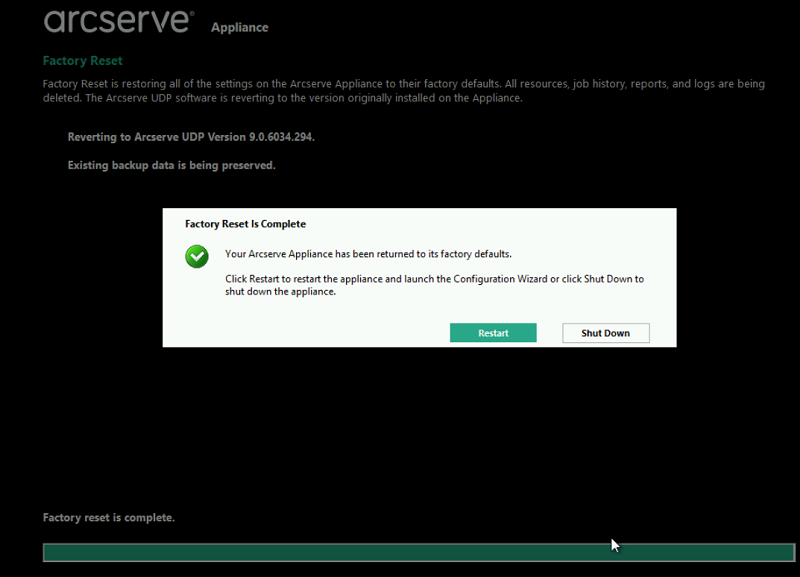
- After factory reset finishes, you can perform either of the following actions:
- Click Restart to reboot the appliance.
- Click Shut Down to close the appliance.
A page about factory reset is displayed.
Notes:
A confirmation dialog appears.
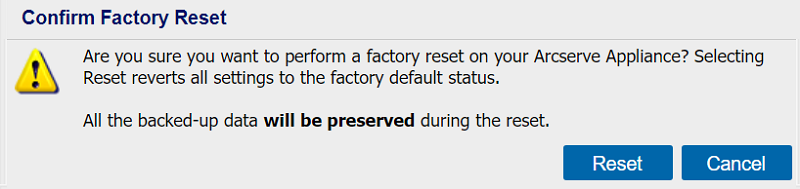
You can click Cancel to reboot the Arcserve Appliance unit.