Apply Arcserve UDP Factory Reset Using Boot Option in 7000-8000 Series Appliance
You can apply UDP factory reset from the Boot Menu of the Arcserve Appliance. Using UDP factory reset, you can return your Arcserve Appliance to clean and non-configured status.
Note: You can also select the Preserve the backup data option while running UDP factory reset.
Follow these steps:
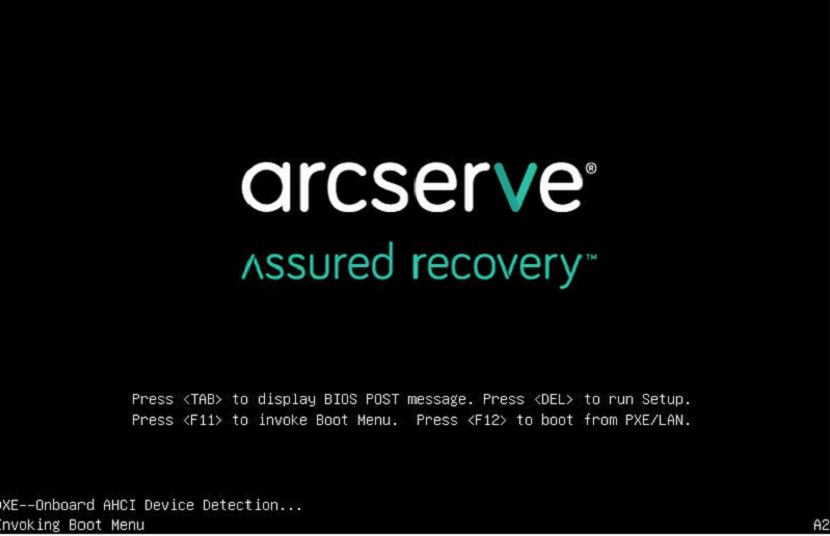
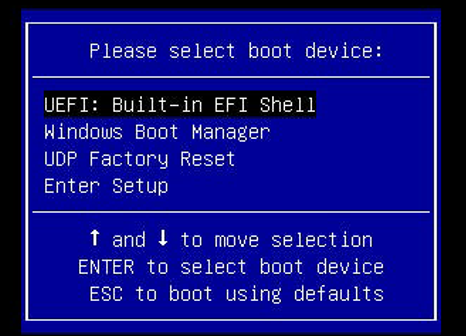
- Press F11 to invoke Boot Menu.
- Select the boot option UDP Factory Reset.
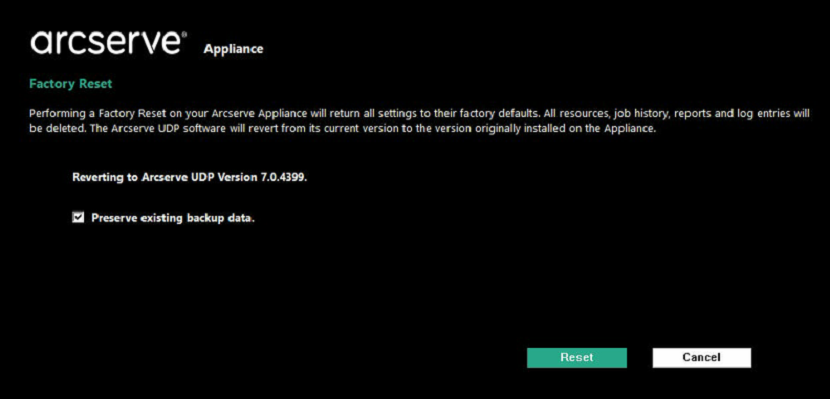
- A page about factory reset is displayed.
- The Preserve existing backup data option is selected by default. Only C:\ volume in the original operating system is rebuilt. Data at X:\ volume and Y:\ volume remains unchanged.
- If you clear the selection of the Preserve existing backup data option, all the data on the respective volumes of C:\, X:\, and Y:\ in the original operating system is rebuilt.
- Click Reset.
- A confirmation dialog appears.
-
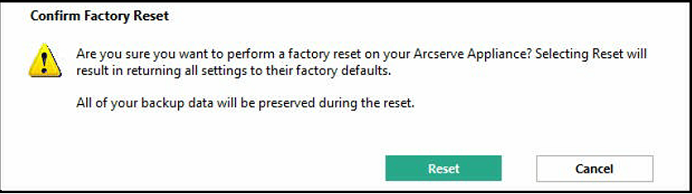
- You can click Cancel to reboot the Arcserve Appliance unit.
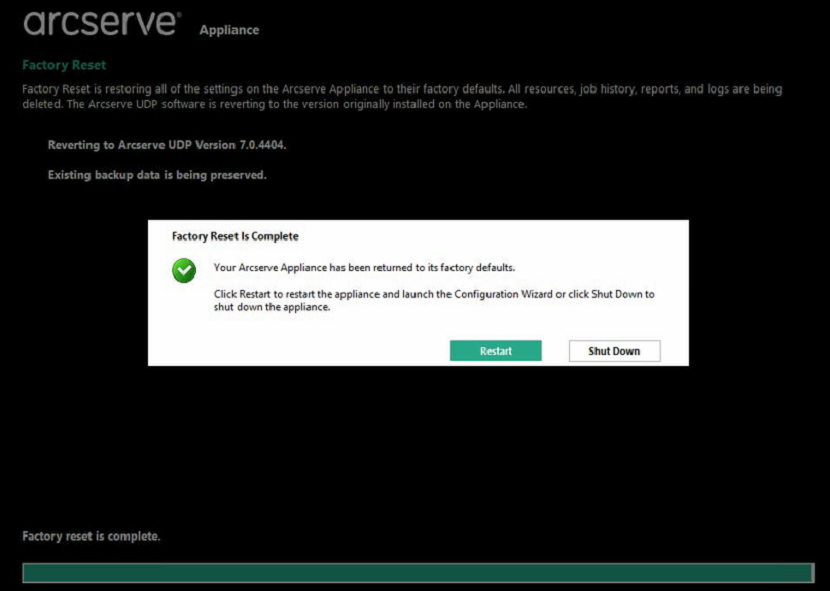
- After factory reset finishes, you can perform either of the following actions:
- Click Restart to reboot the appliance.
- Click Shut Down to close the appliance.
Notes: