Set Backup Passwords for One or More Nodes
To ensure that the Assured Recovery job can test the replicated recovery points, Assured Recovery lets you specify backup passwords for the data. Jobs accessing backup sessions use passwords continuously to decrypt the session.
Note: If none of the passwords are valid then the job accessing the backup session fails.
Follow these steps:
- On the Console, click the resources tab.
- From the left pane, navigate to Nodes, and click All Nodes.
- From the center pane, right-click the node and click Set Backup Passwords.
- The Set Backup Passwords for Node dialog opens.
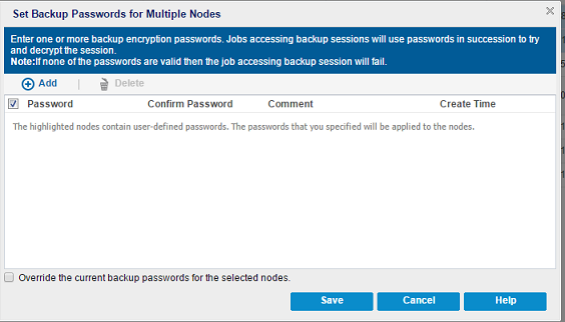
- Perform the following tasks in the Set Backup Passwords dialog for one or more nodes:
- Note: For multiple nodes, you can override the current backup passwords for multiple nodes by selecting the Override the current backup passwords for the selected nodes check box.
- Click Save.
- The dialog closes and the backup passwords are set for the selected remote nodes.
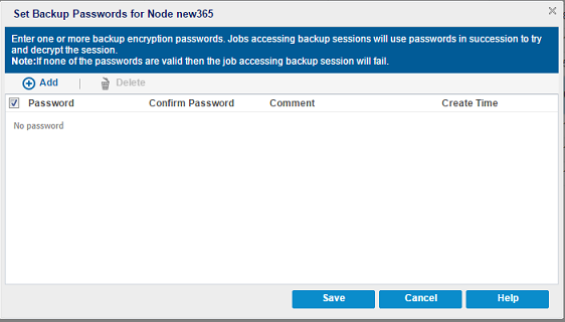
Add--Click Add to add one or more backup passwords to the selected nodes.
Delete--Click Delete to delete one or more backup passwords from the selected nodes.