As a storage manager, you can create a bootable Live CD. When created, this bootable Live CD contains a complete read-only image of the computer operating system, and can be used to provide a temporary operating system functionality. This Live CD includes all your system settings and operating system files and can be used to perform the following functions:
The bin folder contains the scripts that you can run from the command line to create a bootable Live CD. The bin folder is located in the following path:
# /opt/Arcserve/d2dserver/bin
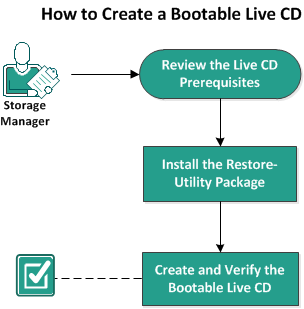
The following diagram displays the process to create a bootable Live CD:
The following list describes each task to create a bootable Live CD:
|
Copyright © 2018. |
|